How to Manage Multi-Currency Expenses Without Complexity
A practical guide to recording and tracking expenses in different currencies, from travel to daily transfers, using simple apps and clear principles.

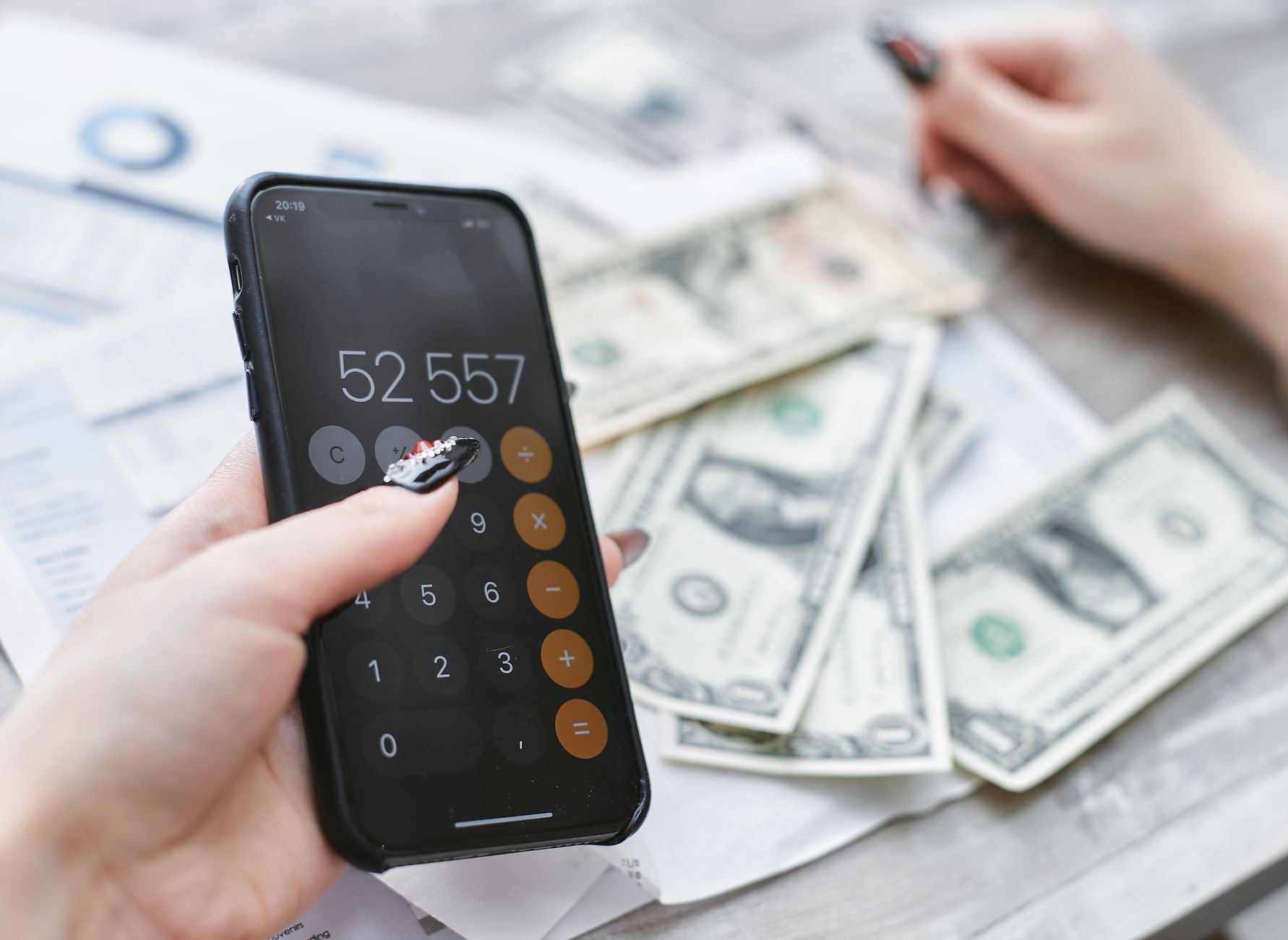
When I started buying overseas flight tickets or making euro transactions during my trip to Europe, I found that traditional accounting couldn’t keep up with how fast currencies move. I was noting amounts in pounds only, then checking later for the difference caused by the exchange rate. The process took time, and often led to confusion in the numbers. Here came the solution: record expenses in their original currency and collect them in a unified database.
Why You Need to Record Expenses in Different Currencies
When you compare your phone bill in Saudi riyal with a phone battery top-up in euro, converting values to one currency adds a manual step that may cause arithmetic errors. Moreover, exchange rates fluctuate daily; this means converting values after a period may show a false profit or loss. If you record each transaction in its original currency, you can:
- Track the impact of market fluctuations on your budget.
- Analyse which spending categories drain more when converted.
- Avoid mixing personal and business expenses during travel.
The result is a rare view of international transactions that helps you make better decisions, whether you’re planning a trip or investing in digital currency.
Choosing a Base Currency
Start by selecting a main currency to use as a basis for comparison. Many Arabs choose the Saudi riyal or Egyptian pound, as most salaries are received in these. If you live in a country with a strong currency, such as the US dollar or euro, that may be a logical choice.
What matters is that the currency you choose remains fixed in all your monthly reports. All you need to do is convert other amounts to this currency when needed, but not before recording the transaction.
Using Multi-Currency Apps
Several apps make it easy to record expenses in multiple currencies and update exchange rates automatically. Examples include:
- Revolut: Lets you add accounts in different currencies, record each transaction in the original currency, and show conversion to your base currency in real time.
- Money Manager (Mobile): Supports over 150 currencies and displays integrated reports.
- Google Sheets with “Currency Converter” add-ons: If you prefer spreadsheets, you can link a cell to an online exchange rate.
Choosing an app depends on how comfortable you are with the interface and how much you need custom reports.
Automatically Updating Exchange Rates
In many programs, you can set the exchange rate source (such as the European Central Bank or Yahoo Finance). Once set, the app updates the rate every 24 hours or as per settings.
If you prefer real-time accuracy, you can link the app to a free API like “exchangerate.host”. This way you get the exchange rate at the moment of recording the transaction, which is more suitable for instant payments.
How to Review Monthly Expenses
After completing a month, gather all records into one report. If you have three main columns – original amount, currency, and exchange rate – you’ll see the amount converted to your base currency. Now you can:
- Identify categories that rose in cost due to currency fluctuations.
- Compare actual spending with your planned budget.
- Apply the “rate control” rule to reduce future losses.
For example, if you find that travel expenses to Europe rose by 15% due to a stronger euro, you might consider booking trips in advance or buying prepaid currency cards to lock in the rate.
Tips to Reduce the Gap Between Currencies
1. Use multi-currency cards instead of bank transfers, as some offer rates closer to the market.
2. Schedule large transfers during low-rate periods – you can track exchange rate charts weekly to find suitable times.
3. Benefit from savings accounts in different currencies. Some banks offer euro or dollar accounts with interest, letting you hold balances in a stable currency.
4. Avoid frequent conversion. Every time you convert money from one currency to another, there are fees, so try to batch transfers.
A Practical Daily Example
I’ll tell you the story of Ammar, a business consultant, who decided to buy an electronic device from a German website in euro, then pay his phone bill in Saudi Arabia. He used the “Money Manager” app to record the first transaction at 120 €, then set his base currency to Saudi riyal. The app fetched an exchange rate of 1 € = 4.17 SAR. He got 500.4 SAR in the log. Then he recorded his phone bill at 300 SAR. In the monthly report, expenses appeared as: 800.4 SAR total, with a note that part of the spending came from euro conversion.
This way, Ammar didn’t have to convert amounts manually or worry about unexpected differences. When he saw the report, he decided to buy a prepaid euro card to avoid future exchange rate fluctuations.
Conclusion
Recording expenses in their original currencies adds no burden if you choose the right tools. The key is to pick a fixed base currency, rely on an app that updates rates automatically, and review reports regularly. With these simple steps, handling multiple currencies shifts from a complex task to a clear part of personal accounting routine.


