How to Choose a Bank Based on Its Digital App Experience Before Opening an Account
A practical guide to evaluating a bank’s digital app, what to check, and how your choice affects convenience and security in managing your bank account.

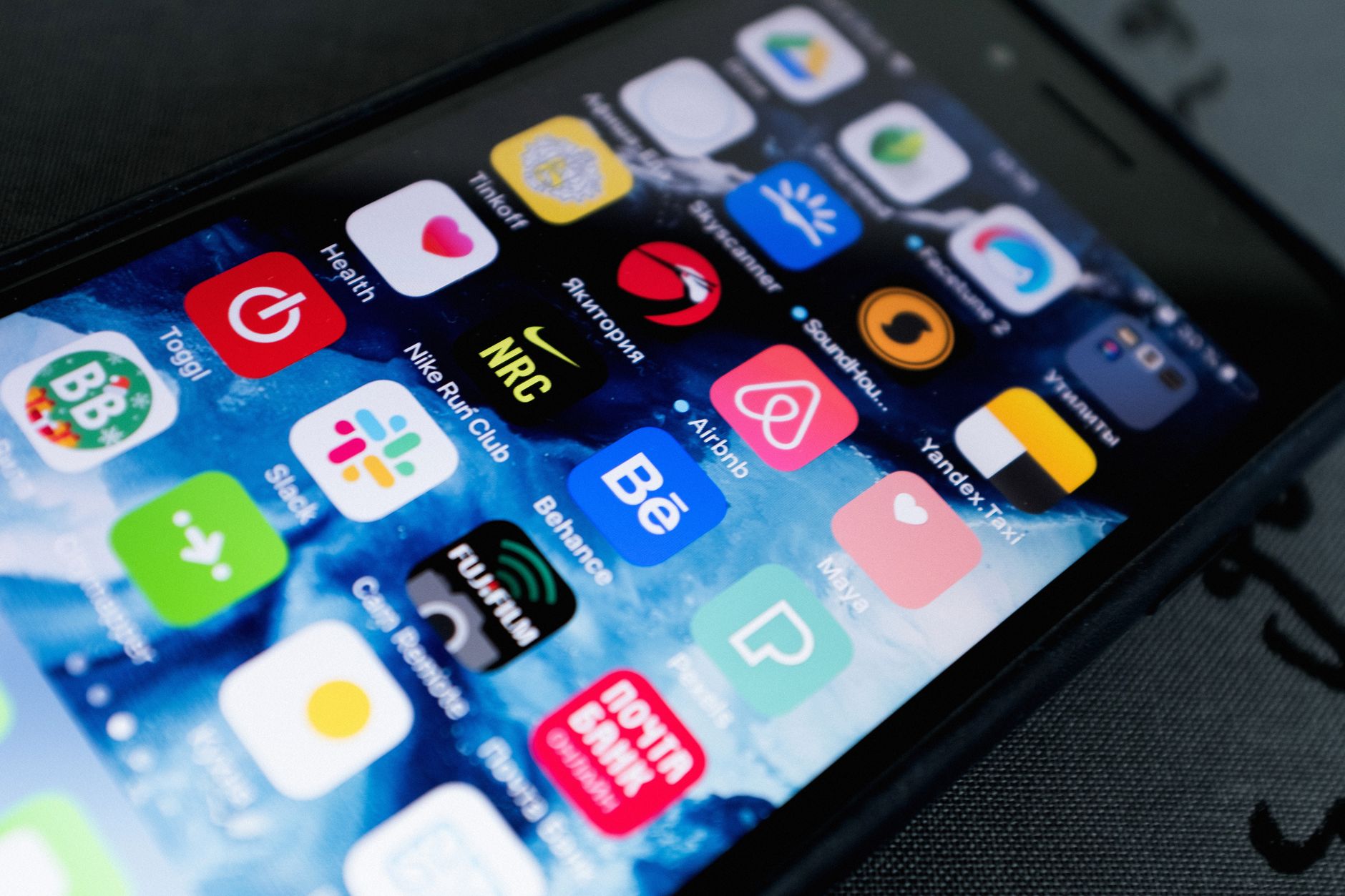
You are about to open a new bank account, but you do not yet know whether the bank will offer you a smooth digital experience or not. In the era when the mobile phone has become the financial hub for everyone, the banking app turns into a basic interface for your daily transactions. The idea is that you should not rely solely on the bank’s reputation or branches, but test the app before committing to an account.
Why Evaluating the App Before Making a Decision Matters
Imagine you need to pay your electricity bill at the end of the month, and you wait five minutes to log in, then the app freezes at the confirmation step. All of this adds unnecessary stress. A fast, stable, and secure experience means every transaction you make takes only a few minutes, reducing human error.
Moreover, apps offer extra tools such as expense categorisation, setting savings goals, and receiving instant alerts. If the app lacks these features, you miss the chance to improve your financial behaviour without needing external software.
What to Check in the App
1. Response speed: Open the app, log in, and try viewing your balance. If it takes more than three seconds for the home page to appear, there may be server issues.
2. Ease of navigation: The interface should be intuitive. If you have to press more than four screens to reach an internal transfer, you may struggle to find basic functions when time is short.
3. Security: Ensure there is a multi-layer authentication (such as fingerprint or PIN). Look for notifications when logging in from an unknown device – this feature warns of any potential breach.
4. Additional functions: Does the app let you set credit card limits or temporarily block it? Can you create a savings goal and set an end date? These tools turn the account from a mere money store into a planning instrument.
5. Integration with other services: Some apps support linking to e-commerce sites or bill management programmes. If you shop online frequently, integration shortens payment steps.
Real-World Experience: Comparing Two Apps
Ahmed, a tech blogger, decided to open a new account at a traditional bank, then tested its digital app for a week. He noticed that logging in took an average of four seconds, and the “Send” button in transfers sometimes did not work due to an incomplete interface update.
In contrast, Sarah joined a digital-only bank with no physical branches. Its app lets her snap a picture of a bill, select the recipient with one tap, and receive an instant alert when the transfer is complete. Moreover, she found the app sends a weekly alert about her spending on food, which helped her manage her budget.
The comparison shows that simple behaviours – such as response speed or having smart alerts – can make the difference between a satisfying or frustrating experience.
Practical Steps to Evaluate the App Before Choosing
Start by visiting the app store (App Store or Google Play) and search for the bank’s name. Read user reviews, and do not rely only on stars. Look for comments that mention specific issues such as “payment failure” or “difficulty linking accounts”.
Download the app on your phone and use it as a visitor if the bank allows. Create a trial account or request a trial card if available. Test every button: internal transfer, external transfer, bill payment, and setting up a savings goal.
Compare the app interface with the web interface, as some banks offer a strong web experience but a weak mobile app, and vice versa. If you find a clear difference in stability or number of features, take that into account.
Data Security: What Level Is Acceptable?
Modern apps rely on AES-256 encryption and store keys in a secure phone chip. Make sure the bank mentions this technology in its description. If it does not provide any details about encryption or multi-factor authentication, your data may be at risk of theft.
Also ensure there is an “app lock” feature – the ability to close the app using PIN or fingerprint when exiting. This prevents anyone from accessing your information if your phone is stolen.
Benefiting from App Alerts to Improve Financial Management
Alerts are not just advertising messages. Some show your weekly spending or remind you of loan repayment dates. If the app offers custom alerts, use them to set daily spending limits or to receive warnings when your balance falls below a minimum.
From personal experience, when I enabled energy consumption alerts via the banking app, I found my monthly usage dropped by 12% after being notified of unexpected expenses.
How to Choose a Bank Based on the Results
Gather your notes in a sheet or file: app speed, number of errors, security, extra features, and how well it matches your lifestyle (for example, do you need fast international transfers or just local bill payments?). If one bank scores higher in most categories, it is the best fit for you.
Do not forget to check digital service fees. Some banks offer a free app but charge for instant transfers or for withdrawing cash from external ATMs.
Conclusion
Choosing a bank is no longer just about reputation or branch location; it has become a technical decision based on the quality of the digital app. By following the practical steps outlined, you will enjoy a smooth banking experience, better security, and opportunities to strengthen your money management. In the end, your phone becomes your bank.


