Your Calendar Is Your Secret Weapon: Syncing Bills with Personal Accounting to Avoid Late Payments
A practical guide to using your calendar to organise bills and track expenses, ensuring accurate financial tracking without missing any due dates.

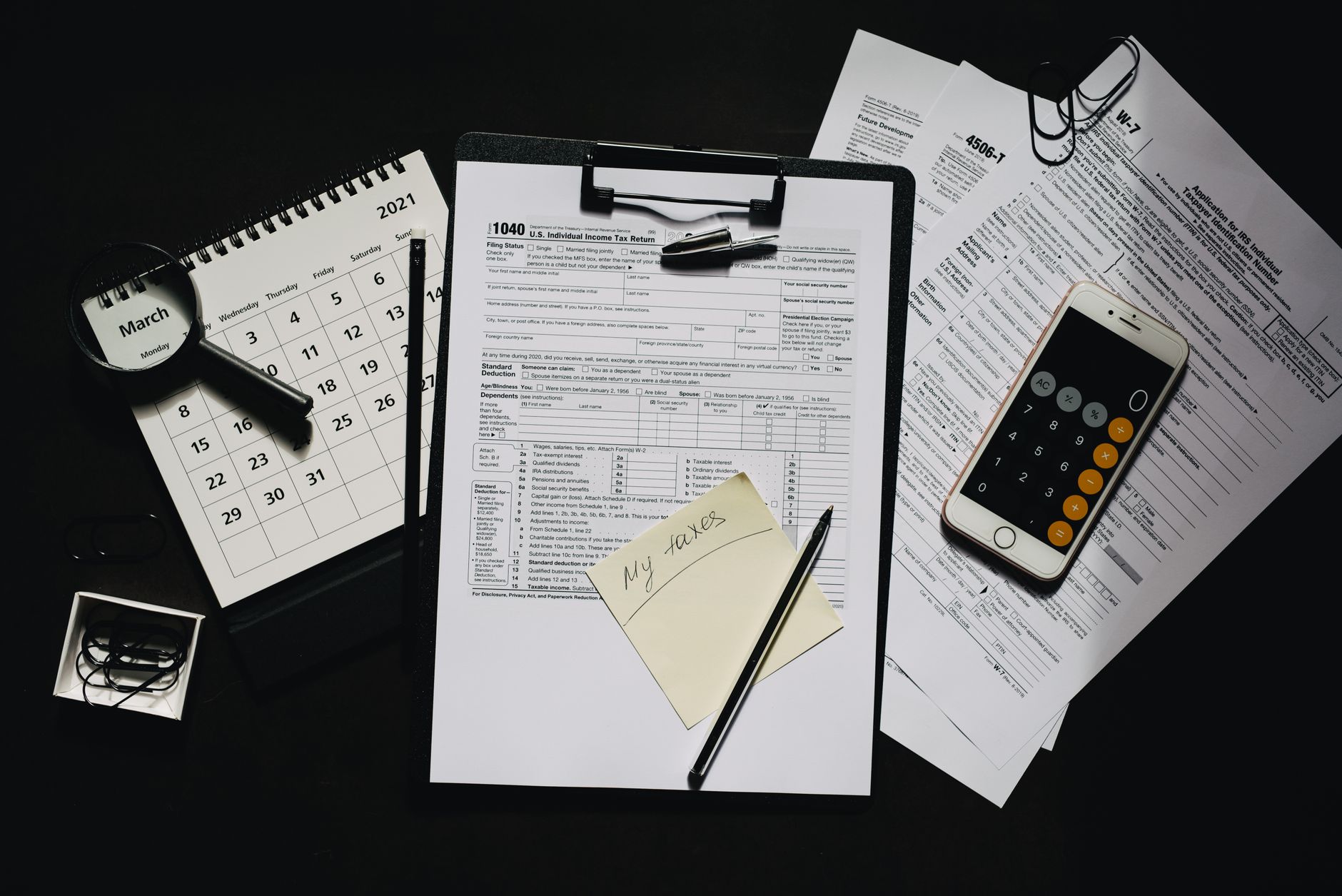
When closing your daily journal electronically or on paper, the question “When is the bill due?” remains a common obstacle that causes delayed payments and increased interest. If you often forget due dates or get lost in expense chaos, the first step is simple: invest in the calendar you use every day.
Why the calendar?
Your calendar is not just a tool for scheduling meetings. It is a time store that lets you link every event to a financial statement, reminding you days—or even hours—before the due date if you wish. When your calendar meets a personal accounting system, every date becomes a control point in your money flow.
Choosing the right platform
The first step is choosing a calendar that does not clash with your work style. If you use Android devices, you may prefer Google Calendar; for iOS users, Apple Calendar; and for those who favour a Microsoft environment, Outlook Calendar is the ideal choice.
All these applications support adding notes, attachments, and recurring reminders, and they can be linked to third-party apps via Zapier or IFTTT to make the process more automatic.
Practical steps to create a calendar-supported accounting system
- Create a bill category in your calendar. For example, create a sub-calendar named “Bills” or “Fixed Expenses”.
- Add a new event for each recurring bill. Set the actual payment date, then choose “Monthly” or “Yearly” repeat as needed.
- In the description field, write the expected amount, the name of the biller (such as “electricity” or “internet”), and the invoice number if available.
- Set a reminder two days before the due date, and again 24 hours before. If you prefer an instant alert, choose the “At time of event” option.
- Link the event to an Excel file or Google Sheet using Zapier: when the event is created or updated, a new row is added to your expenses table containing the date, description, and amount.
This way, whenever an event appears in your calendar, it automatically becomes an accounting record, and you no longer need to write anything manually.
Real-world example: Sami’s story
Sami works as a freelance designer and receives his pay via bank transfer. Each month he gets an internet bill on the 10th, an electricity bill on the 15th, and a water bill on the 20th. Before using this system, he often forgot the last bill, resulting in a late payment fine of 50 SAR.
After creating a sub-calendar called “Bills”, he added three recurring events, each carrying the expected amount. He linked Zapier between Google Calendar and Google Sheet, so each event adds a new row to the “monthly expenses” table. Now, when Sami opens his expenses sheet at the end of the month, he finds all bills pre-listed, plus a reminder prompting him to pay before the due date.
Integrating the calendar with a personal accounting app
If you use an app like Money Lover or YNAB, you will often find an option to “Import Calendar” or “Add Event”. If this option is not directly available, you can rely on a CSV file exported by Zapier from your calendar, then import it into the app weekly.
The result is data harmony: no gaps between what you see in your calendar and what you record in your accounts, and whatever one adds appears automatically in the other.
Tips to reduce errors and avoid chaos
- Use consistent naming for billers (for example, “Electricity” not “Electricity Company” on some bills).
- Ensure your calendar’s time zone is set correctly; time errors can lead to delayed reminders.
- Review your expenses table once a week; any manual change made via Zapier needs checking to avoid duplicate records.
- Keep a monthly backup of your Google Sheet; if Zapier fails, you can easily restore the data.
How to benefit from calendar-based analytics
As data accumulates, you can create charts in Google Data Studio or Power BI showing total monthly expenses, the ratio of fixed to variable bills, and even the timing of the most costly bills. This analysis enables faster decisions, such as negotiating discounts or switching service providers.
Conclusion
Turning your calendar into a core part of your personal accounting is not just a small tweak—it is a fundamental shift in how you manage money. The few minutes you invest in setting up events and linking them to your books will raise record accuracy and cut error rates.
Start today by adding your first bill due date, and see how your reminder becomes a trusted accounting record. You will no longer need to remember bill dates—your calendar will remind you, and it is on duty.


