How to Choose a Bank with Built-in Financial Planning Tools
A practical guide to choosing a bank that offers built-in financial planning tools to help you manage spending, save goals, and avoid unexpected fees.

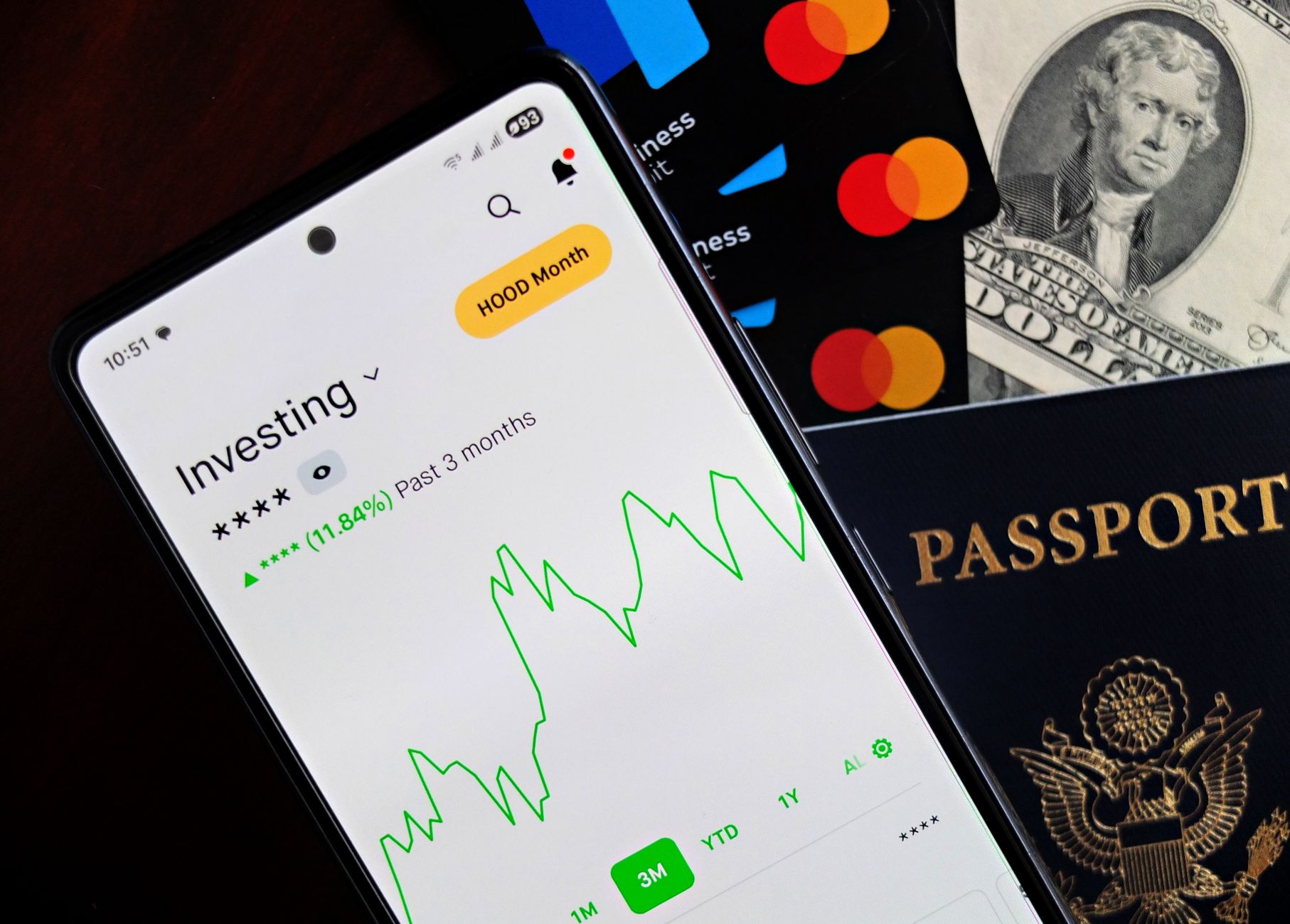
Your monthly expenses list, car savings goal, and low-balance alerts may seem like small details, but when built into your bank account, they become a system that supports your financial decisions and reduces chaos. Many of us open an account just to store money, unaware that some banks offer integrated financial planning tools that can transform how you manage your money.
What financial tools should you look for in a bank?
Before visiting a branch or downloading the bank’s app, ask yourself two simple questions: Does the bank show me detailed reports of my spending? And does it let me create and track savings goals automatically? If yes, you’re on the right track. The tools worth paying attention to include:
- Automatic spending categorisation: A dashboard showing how much you’ve spent on food, transport, entertainment, etc., with the ability to adjust categories.
- Savings goals with automatic mechanics: The chance to set a goal (e.g. £10,000 for a bike) and allocate a fixed amount deducted from your salary each month.
- Smart alerts: Notifications when your balance nears zero or when you exceed your set monthly spending limit.
- Regular reports: PDF files or email summaries of your account activity at month-end.
- Subscription analysis: A breakdown to identify regularly paid services (like Netflix or gym membership) and estimate their impact on your budget.
These tools aren’t available at every bank, nor are they always highlighted in ads. So you need a practical way to evaluate them before committing to an account.
Step 1 – Try the trial version or free app
Most major banks offer free smartphone apps for visitors. Download the app, and sign up for a trial account (often you can create a virtual account with low limits). Explore the dashboard, and try categorising spending by creating several categories. If the interface feels intuitive and responsive, that’s a good sign. Don’t hesitate to ask customer service for a detailed explanation of the available financial planning tools.
Step 2 – Compare at least three banks
The choice remains personal, but comparison simplifies the process. Here’s a practical example using three banks in Saudi Arabia (fictional names for illustration):
- Al Noor Bank: Offers a comprehensive spending dashboard and allows automatic savings goals at 5% of salary. Alerts via SMS only.
- Al Fajr Bank: Provides detailed monthly reports but does not support internal savings goals; you must open a separate savings account.
- Al Subh Bank: Offers subscription analysis and instant alerts via its app, but charges a monthly fee if the balance falls below £500.
After confirming each bank’s features, calculate the total cost (maintenance fees, withdrawal fees, transfer fees) versus the benefits you’ll gain from the financial tools. Often, the price difference is small compared to the convenience these tools provide.
Step 3 – Test the tools on your current account
If you already have an account with another bank, try linking it to a neutral app like “Money Lover” or “YNAB”. Some apps allow importing bank transactions via CSV to check how accurately the bank categorises spending. If you notice the bank adds inaccurate categories or lacks a needed classification, it may be time to look for an alternative.
Step 4 – Set up your budget within the account
Once you’ve chosen a bank, begin implementing these steps:
- Define core categories (food, housing, transport, savings, leisure).
- Use the spending categorisation tool to set spending limits for each category.
- Create a savings goal (e.g. £15,000 for a summer holiday) and set the monthly deduction amount.
- Enable alerts to notify you when your balance approaches the minimum or when you exceed category limits.
- Monitor monthly reports and adjust limits as needed.
The result: every financial movement is recorded and categorised automatically, and you receive instant reminders if you go off plan.
A real-life story: Salim and Nahid
Salim looked at his monthly salary of £12,000 and struggled with unclear spending. He tried Al Noor Bank’s app and, from the start, had a dashboard that split spending into categories with monthly limits. When he exceeded the “transport” limit, he got an instant alert, so he reduced taxi trips and switched to public transport.
Nahid, a master’s student, needs to service her phone every three months and pays for an internet subscription. She used Al Subh Bank, which provided subscription analysis. From the report, she discovered she was paying twice for the same service across two different accounts. She cancelled the duplicate subscription, saving £150 a month, then allocated that amount to savings via her “student loan” goal.
The lesson from this story is that built-in bank tools go beyond promotional offers—they help uncover saving opportunities you hadn’t noticed before.
Final tips to avoid hidden fees
• Make sure monthly fees apply only if your balance falls below a certain threshold; if the bank charges a flat fee, include it in your budget.
• Look for the option to cancel the service via the app without visiting a branch.
• Monitor terms updates; some banks add or remove features without prior notice.
In short, choosing a bank isn’t just about reputation or branches—it depends on how well its financial planning tools integrate with your daily needs. When you find a bank that combines an easy interface, accurate reports, and smart savings tools, you’ll have a bank account that acts like a personal financial manager.


