Common VAT Invoice Mistakes for Freelancers and How to Fix Them Before Filing
Learn about common VAT invoice errors freelancers make and how to correct them before submitting your VAT return.

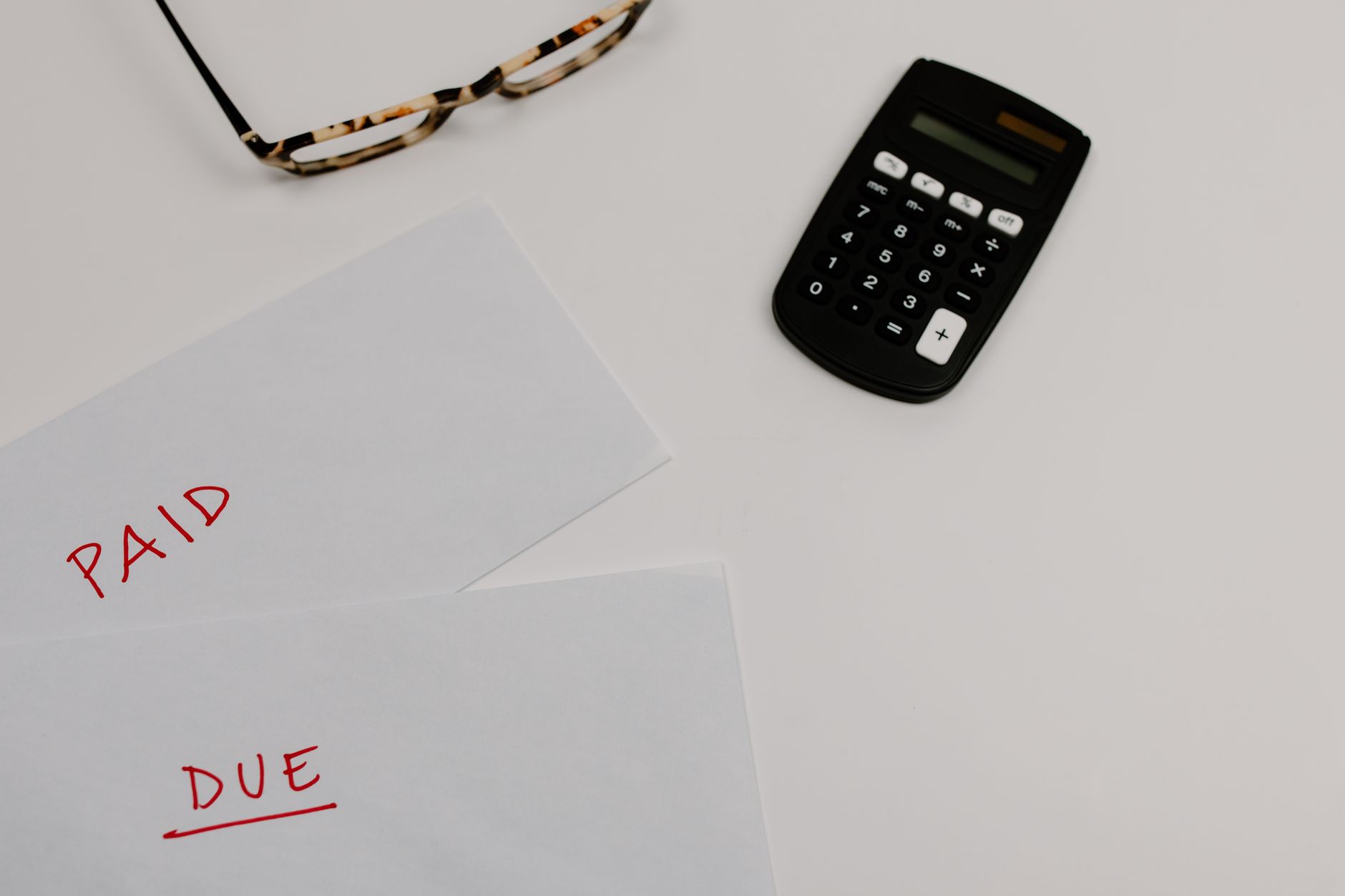
Every freelancer knows an invoice is not just a slip showing the amount due; it is a direct link between them and the tax authority. Any flaw in it can affect filing timing or lead to unwanted penalties. So in this article I will cover the mistakes that often appear in VAT invoices, and guide you through steps to correct them before you file your annual return.
Most Common Mistakes
First, many freelancers lack precision in basic data. Here are the key pitfalls to avoid:
- Omitting the VAT registration number or writing an incorrect one.
- Choosing the wrong VAT rate for the product or service.
- Calculating VAT on the invoice total instead of the net amount after discounts or offers.
- Exceeding or falling short on the invoice date or due date.
- Failing to specify the invoice currency when dealing in foreign currencies.
These mistakes may seem minor when issuing the invoice, but they become costly when compiling annual returns.
Impact of Mistakes on VAT Returns
When submitting a VAT return, the tax authority collates invoice data to determine net VAT due. If any invoice contains an error, the net VAT figure becomes inaccurate, and you may either be charged excess VAT or denied a refund you are owed. Additionally, you may be asked to file an amended return, a process that takes time and requires extra documentation.
How to Correct an Invoice
There are two main ways to correct an invoice:
- Cancel the original invoice and issue a revised one with all correct data.
- Submit a correction VAT return via the “Invoices” or “VAT Review” system on the General Authority for Zakat and Tax platform.
The first method is preferred when the error is simple and still within the same billing cycle. The second is used when the invoice has already been included in a filed VAT return and cannot be easily cancelled.
Practical Steps to Cancel an Invoice and Issue a Revised One
Follow these steps to avoid any obstacles:
- Check the original invoice number and its issue date.
- In the “Invoices” system or your accounting software, select the “Cancel Invoice” option.
- Enter the reason for cancellation (for example: incorrect VAT registration number).
- After cancellation, create a new invoice using the same serial number with a suffix such as “-1” to indicate the amendment.
- Ensure all required fields are included: customer name, VAT registration number, correct VAT rate, net total, and VAT amount.
- Send the revised invoice to the customer and keep a copy in your records.
- When filing your VAT return, mark the revised invoice in the “Cancelled/Amended Invoices” field.
This process maintains transaction transparency and prevents future queries from the authority.
How to File an Amended Return for a Previous Invoice
If the error is discovered after the return has been filed, you must submit an amended return. The basic steps are:
- Log in to the Zakat and Tax portal using your online account.
- Select “Returns” then “Amend VAT Return”.
- Identify the original return containing the erroneous invoice.
- Enter the corrected data, attaching a copy of the revised invoice or cancellation notice.
- Submit the amended return and wait for a system confirmation.
- If review is requested, prepare supporting documents (contracts, emails, etc.).
This method is more complex, so it is advised to verify invoice accuracy before sending to avoid needing an amendment.
Tips to Avoid Mistakes in Future Invoices
Some simple measures can make a big difference:
- Use a standard invoice template that clearly shows all required fields.
- Store your VAT registration number in your database and avoid entering it manually each time.
- Before issuing an invoice, quickly review the “VAT Rate” according to the service classification.
- Rely on an accounting system that links invoices directly to VAT calculation.
- Keep a record of invoice dates and due dates to prevent any overlap.
By following these practices, you will reduce the chance of errors and ensure your VAT return is free of obstacles.
Conclusion
VAT invoices are a safety net for the freelancer’s financial future. Any oversight or mistake can cost you extra time or money. By following the steps outlined above, you can cancel an erroneous invoice or amend your return transparently and swiftly. Remember, prevention is better than cure; a standard template and pre-send data review are two essential steps to keep your accounts sound.