How to Turn Virtual Cards into a Tool to Reduce Daily Spending and Stick to Your Budget
Using virtual payment cards to set a daily spending limit helps control unplanned expenses and boost savings.

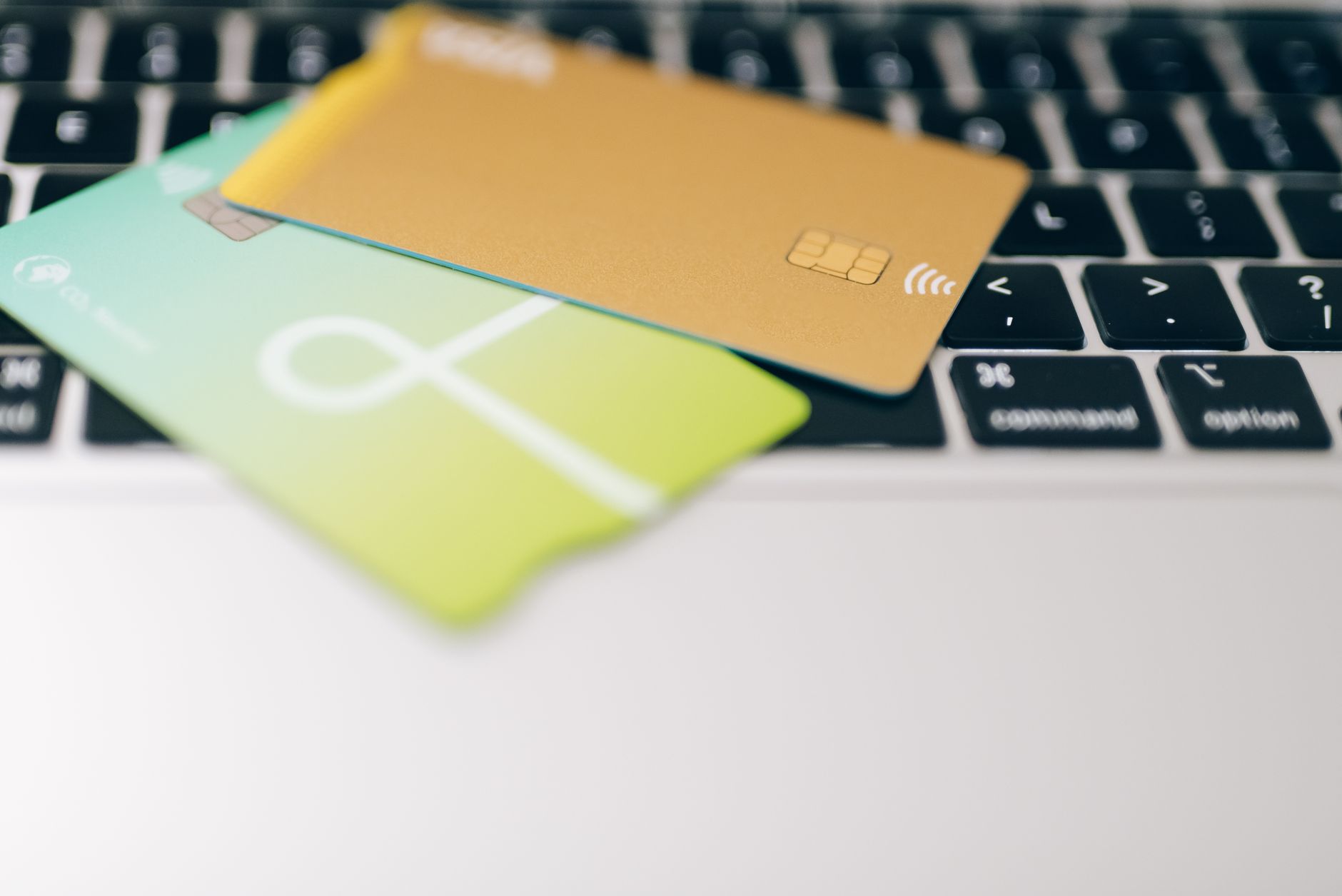
Often we discover that our daily spending exceeds expectations, especially when we use a single credit card for all transactions. The idea I present today relies on using virtual payment cards to set a daily spending limit, thereby creating a clear barrier between what we need and what we want.
What is a virtual card and how does it differ from a traditional card?
A virtual card is a card number generated by the bank or service provider via its app, and is not printed on any paper. It can be temporary (expiring after a set number of uses or after a specific time period) or permanent with the ability to adjust the credit limit at any moment. Most importantly, the card is not directly linked to your main bank account, but is set up specifically for certain purposes such as online shopping or monthly subscriptions.
Why virtual cards work as a spending control mechanism
When you create a virtual card for daily use, you can set a maximum amount that can be drawn from it. If you reach the limit before the end of the day, any further withdrawal request will be blocked, so impulsive spending cannot exceed this ceiling. Compared to a traditional credit card that only shows a negative balance at month-end, the virtual card imposes immediate limits, making budget control easier and more realistic.
Practical steps to implement the idea
- Choose a service provider that supports virtual cards. Most major banks in the region have apps that allow creating temporary cards, as do some independent financial apps like Revolut or N26.
- Set your daily spending goal. Start by analysing your average daily spending over two months, then choose a proportion of that average to become your daily limit. If you spend £100 a day, try a limit of £70.
- Create a virtual card with the daily limit amount. In your bank’s app, create a new card and set its balance equal to the daily limit.
- Link the card to your main account. When money is withdrawn from the virtual card, the amount moves to your original account as a normal withdrawal, so ensure your main balance covers the total available across all virtual cards.
- Review spending each evening. Check the virtual card balance via the app; if any funds remain unused, they can be carried over to the next day or transferred to a savings account.
Real-world examples illustrating the benefit
Ahmed, a software engineer from Cairo, used to buy coffee daily via a delivery app and spent about £30 on breakfast. When he created a virtual card with a £20 limit, he had to choose cheaper alternatives or reduce purchases. Over two months, his coffee spending dropped to £10 a day, saving an extra £400 that went into his emergency fund.
On the other hand, Sarah, a business owner, uses two virtual cards: one for daily household needs (limit £50) and another for leisure activities (limit £30). When she approaches the limit in any category, the app alerts her and she reconsiders whether the purchase is truly needed, reducing impulsive spending and increasing financial awareness.
How to handle situations where you need to exceed the limit
The daily limit is not a rigid rule that cannot be broken, but a framework that encourages thinking before buying. If you face an exceptional situation (such as an unexpected bill), you can simply raise the limit via the app, or use the remaining balance on the virtual card and add extra funds from your main account. The idea is that these steps should be exceptional, not routine.
Tips to avoid common mistakes
- Ensure the virtual cards you create are not linked to non-cancellable monthly subscriptions; this could cause the card to close without payment being completed.
- Keep a copy of your daily statement to track any unexpected withdrawals.
- Use instant push notifications to alert you when the balance is depleted before the day ends.
- Do not forget to cancel or modify the card when it is no longer needed to avoid accumulating unused cards.
Expected results with commitment to the plan
After three months of using the virtual card system, you will notice a clear reduction in unplanned spending and an increase in monthly savings. Moreover, financial awareness will improve because every purchase is met with a clear limit, reducing impulsive urges.
In the end, the idea does not rely on technology alone, but on a personal decision to control the flow of money. Virtual payment cards give you the means; you supply the intention.


