How to Integrate Your Digital Wallet with Accounting Software for Real-Time Expense Tracking
A practical guide to linking Apple Pay, Google Pay and Samsung Pay with personal accounting software to unify digital expenses in one record.

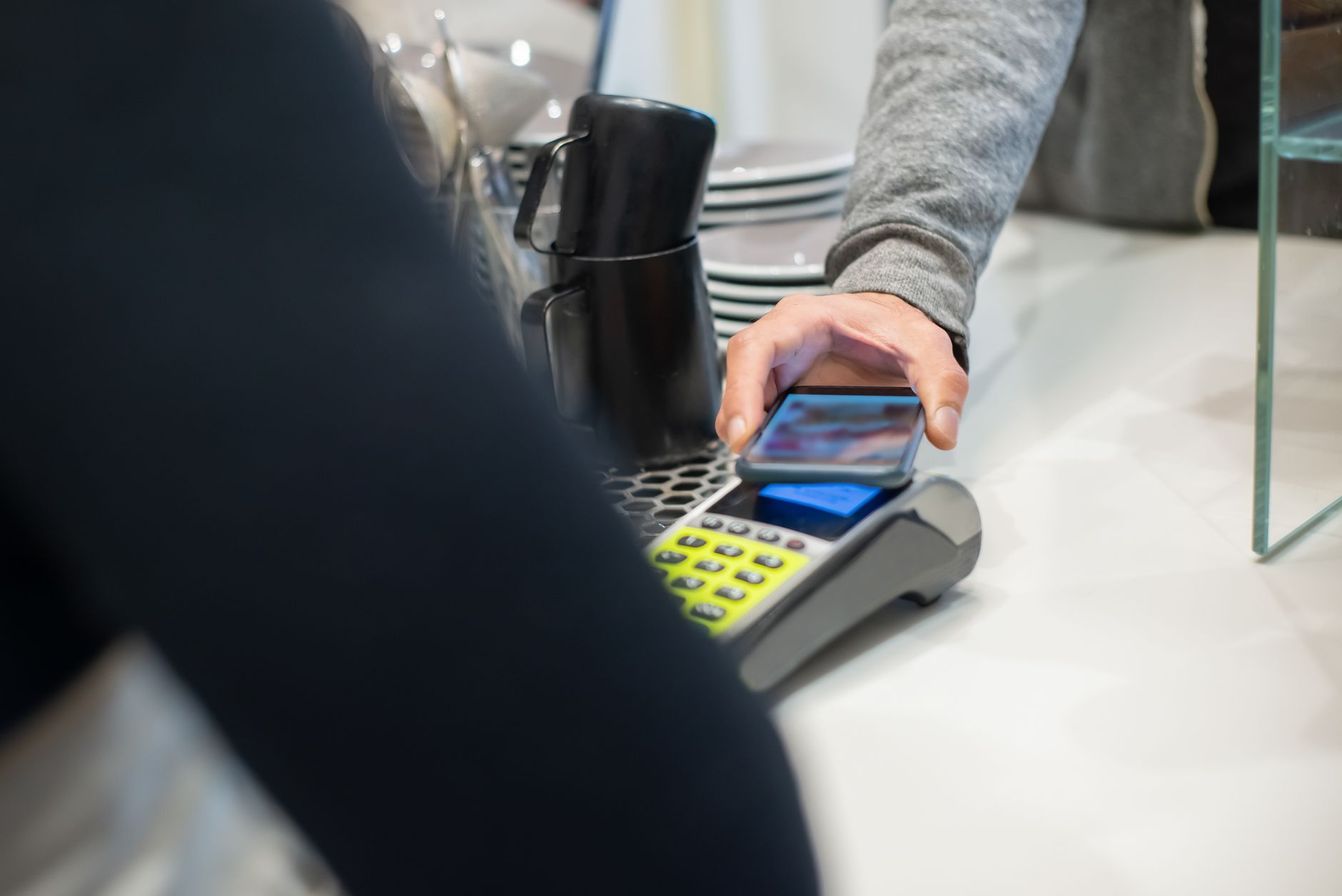
With the rise of digital wallets such as Apple Pay, Google Pay and Samsung Pay, most purchases are now made with a single tap on your phone. The speed of execution negatively affects your ability to track every expense; amounts go straight into your account without a credit card or clear bank statement to remind you. As a result, “hidden spending” accumulates and your budget becomes unbalanced.
The solution is not to stop using digital wallets, but to link them to accounting software that reads transactions as they happen. The idea is simple: whenever a transaction is added to your wallet, it is automatically imported into an accounting record, showing you classifications, comparisons and analyses in real time.
Step 1 – Gather All Your Digital Accounts in One Place
Start by registering all cards linked to Apple Pay or Google Pay within your bank account or credit card. Most banking apps allow you to add multiple cards so all transactions appear on one page. If you have more than one bank, ensure each account is linked in the same way so you do not miss any payment.
Step 2 – Choose Accounting Software That Supports Automatic Import
Several Arabic and global applications support transaction import via CSV or through an application programming interface (API). Popular options include:
- Money Lover – allows linking bank accounts and setting custom categories.
- Spendee – supports CSV import from bank files and enables automatic transaction classification.
- Google Sheets with the Tiller add‑on – a flexible solution for users who prefer custom spreadsheets.
Choose what suits you best in terms of ease of use and availability in Arabic.
Step 3 – Set Up Custom Categories for Digital Transactions
The crucial step is defining categories that match your spending pattern via the digital wallet. For example:
- “Fast Food” – for orders via Uber Eats or delivery services.
- “Urban Transit” – for metro or taxi rides via transport apps.
- “Subscriptions” – for renewing digital services such as Netflix or Spotify.
You can add automatic rules in the software so any transaction containing the word “Netflix” is automatically classified under “Subscriptions”. This way, no manual intervention is needed after the initial setup.
Step 4 – Automate Daily Import
If your software supports API, link your bank account directly. Most banks in the region provide an API key that allows pulling transactions every 24 hours. If not, make it a weekly habit to export a CSV file from your bank app and add it to your accounting software. Some applications offer an “auto‑import” feature when a CSV file is placed in a specific folder on Google Drive.
This way, when your Apple Pay card bill settles at month‑end, the software adds all transactions to a single record without extra effort.
Step 5 – Regularly Review Transactions and Correct Errors
A quick weekly check (10‑15 minutes) is enough to correct any misclassification or merge similar transactions. Use the software’s “grouping” feature to collect all “coffee” or “app purchases” into one category, then calculate the average spend.
Regular review prevents error build‑up and helps you spot subscriptions you forgot to cancel. If you notice “Netflix” costs 12 dollars each month, you might consider cancelling the subscription or switching to a family plan to reduce cost.
Step 6 – Leverage Analytics for Future Planning
After two months of using the system, you will see a monthly net spending chart. You can identify weak points, such as a spike in “fast food” spending after work hours. Based on that, you can set a dedicated budget or adjust buying habits, like preparing meals at home instead of ordering.
The tool does more than track; it lets you test scenarios. For example, if you decide to cancel all unnecessary subscriptions, you can see how much money becomes available for saving or investing via a “what‑if” planner.
In conclusion, integrating your digital wallet with personal accounting software transforms expense monitoring from a manual chore into a near‑automatic process. The core idea is to leave no transaction lurking in the dark, but to ensure every penny is recorded, classified and compared with past data. Practical experience will give you greater clarity on your financial path and empower you to make informed decisions, whether you are saving for a home deposit, a holiday or growing your investment portfolio.
Disclaimer: This content is for educational and informational purposes only and does not constitute financial or investment advice. Consult a professional before making any financial decision.


