How to Discover and Control Monthly Subscriptions via Your Bank Account – Step by Step
Learn a practical way to find and cancel recurring subscriptions from your bank statement and avoid financial waste.

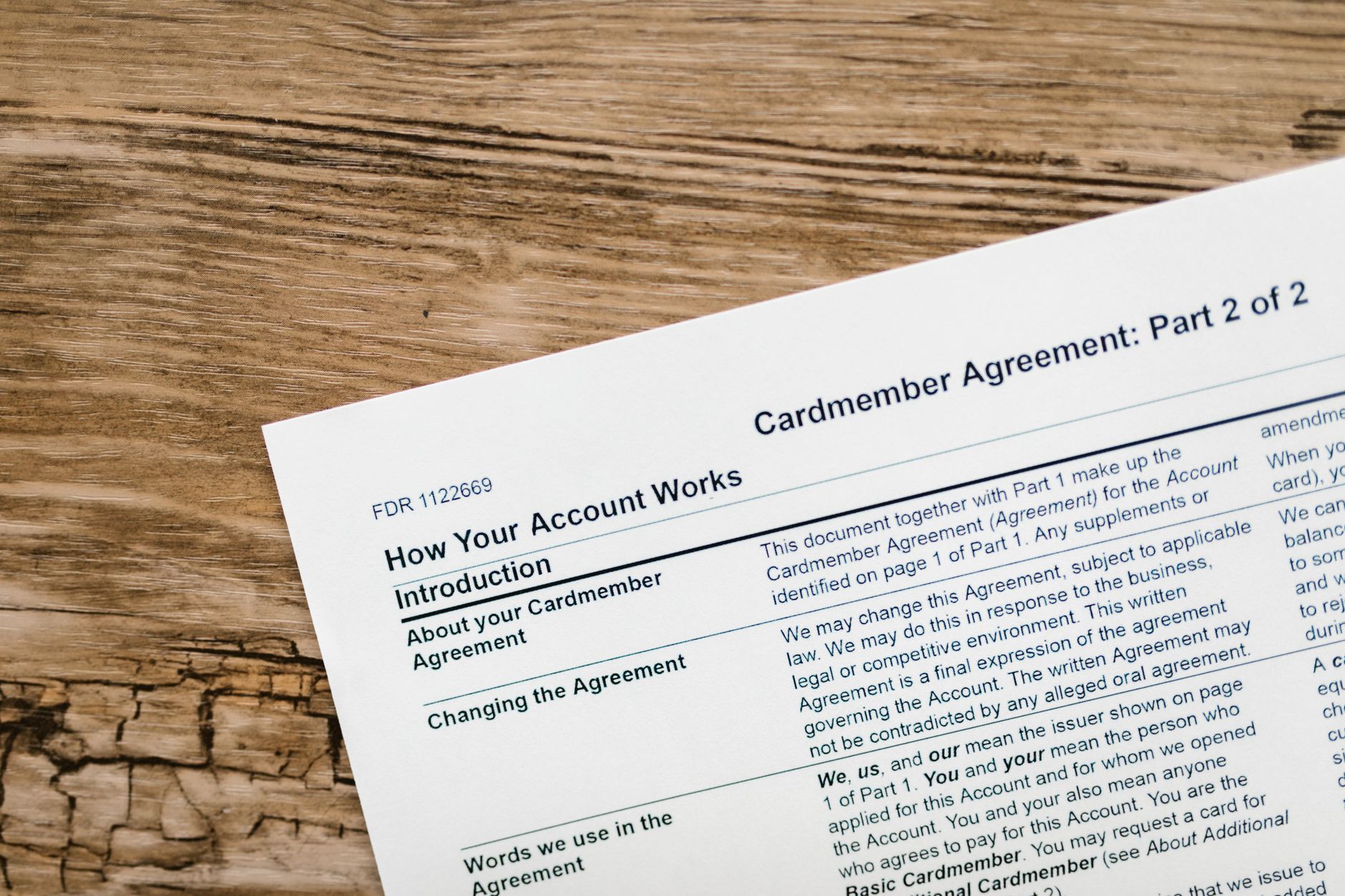
Every time we add a new online service – from a video streaming platform to a fitness app or a cloud storage site – we often forget that the subscription will continue after the trial period ends. The small amount deducted from your account may not catch your eye, but it builds up over the months and becomes an unintended burden on your budget.
The solution lies in using your bank’s tools that let you see every withdrawal in detail, and activating alerts that notify you of any new charge. Between your electronic bank statement and the smart analysis features in banking apps, you can now build a near-automatic system to monitor subscriptions.
Why You Should Review Subscriptions Regularly
Subscriptions do not appear as a fixed cost in your daily budget; instead, they slip in as “small expenses”. If left unchecked, you may find yourself paying £30 or £40 a month without knowing where it comes from. This kind of spending is often called “financial leakage”. Cancelling or adjusting unnecessary subscriptions frees up money that can be directed towards bigger goals like an emergency fund or investing.
What Your Bank Statement Offers You
Most banks now provide a statement that shows the details of every withdrawal, including the merchant’s name and the transaction date. Some apps add automatic categorisation of transactions – “Entertainment”, “Services” or “Online Store”. This feature makes it easy to spot recurring subscriptions.
Here is what you need to pay attention to in your bank statement:
- Equal amounts deducted on fixed dates each month.
- Vague or abbreviated names that may point to trial services.
- Small amounts that might be overlooked but keep repeating.
When you notice any of the patterns above, it is time for the next step.
Practical Steps to Identify and Cancel Subscriptions
Based on personal experience with more than ten bank accounts, I have found that following the method below ensures you do not run out of time and leaves no subscription undiscovered:
- Gather your bank statement for the last three months. Looking at a longer period helps you identify annual subscriptions that may appear only once every 12 months.
- Categorise each withdrawal. Use an Excel sheet or any notes app, and record the merchant’s name, the amount, and the debit date. If the name appears more than once, mark it as “Subscription”.
- Verify each subscription. Go to the company’s website or app and check the plan details. Look for a “Cancel Subscription” or “Manage Subscription” link.
- Use the bank’s subscription cancellation service. Some banks offer a direct button in the app to submit a cancellation request for merchants that do not respond easily. This service sends a request to the merchant and informs you of the outcome.
- Make sure you get written confirmation. After cancelling any subscription, save a copy of the email or message that confirms the cancellation. Keep it in a dedicated file for easy follow-up.
- Monitor your bank statement for a month after cancellation. Ensure no new withdrawal appears from the same merchant. If the debit continues, contact your bank to lodge a complaint against the unauthorised charge.
By following these steps, you will be able to reduce your monthly outgoings noticeably.
Using the Digital Tools Available from Your Bank
Many banks now offer smart features inside their apps, such as:
- Smart alerts: Set up a notification that sends you a message when an amount above a certain threshold is deducted, or when a withdrawal occurs from an unknown merchant.
- Automatic analysis: Some apps display charts showing the proportion of subscriptions to total spending, helping you see the immediate impact.
- Subscription management inside the app: Some banks allow you to cancel subscriptions directly via the “Services” menu in the app, without needing to visit the merchant’s website.
Take advantage of these features to reduce manual effort.
Tips to Avoid Unwanted Subscriptions in the Future
Prevention is better than cure. Here are some habits you can adopt now:
- Before entering your credit card or bank details on any site, ask yourself if you truly need the service.
- Use temporary cards or digital services that let you create a virtual card number with a low spending limit.
- Set a date in your calendar to remind you when any free trial ends.
- Keep an electronic record of your current subscriptions so you can review them every three months.
Over time, your behaviour will shift from relying on subscriptions to following thoughtful plans, and you will see a clear difference in your bank account.
In the end, controlling subscriptions is not just about cutting small expenses; it is a step towards building greater financial awareness and redirecting money towards goals that truly matter to you and your family.


