How to Turn AI into a Personal Expense Tracker That Eases Your Accounting Burden
Discover a practical way to use artificial intelligence to classify your daily expenses and simplify your personal accounting in simple steps.

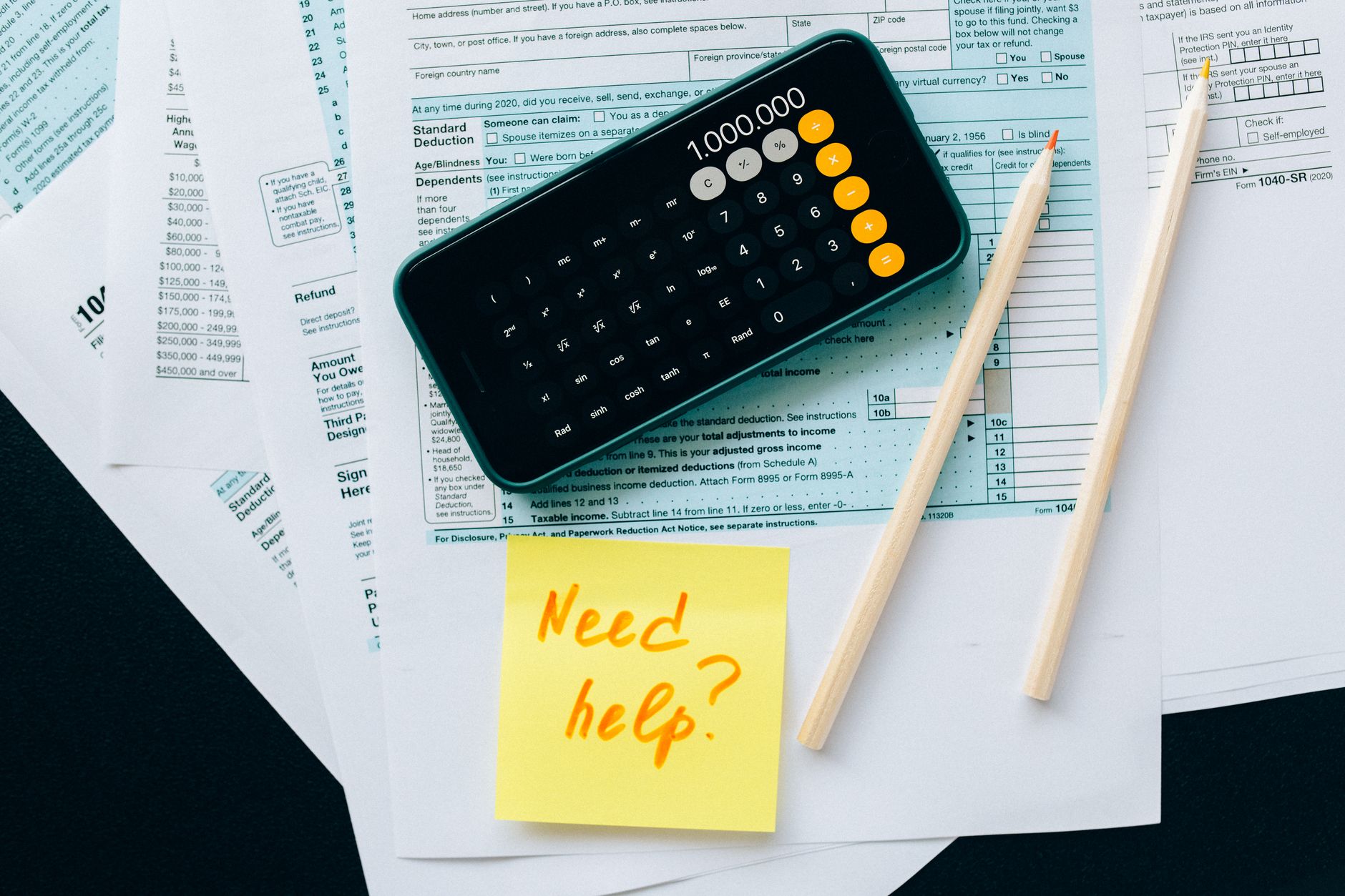
Most of us have a phone that captures every receipt, every withdrawal, and every bank transfer with a tap. The problem isn’t collecting the data, but turning it into information that leads to smarter financial decisions. That’s where artificial intelligence comes in: it can read text, spot patterns, and link each transaction to the right category without constant manual input.
Why Automatic Expense Classification Makes a Difference
When we classify every transaction manually, we spend minutes to hours in just one week. That lost time adds complexity to any accounting system, especially if income is irregular or if there are multiple money flows (salary, freelance work, investments).
AI-powered apps reduce this burden in several ways:
- Analysing text in emails or bank alerts and assigning a category (food, transport, leisure…).
- Grouping recurring expenses accurately, even if they appear under different names.
- Flagging any unclassified transaction so you only intervene manually when there’s ambiguity.
Tools Available in the Arab Market
Several apps have begun integrating machine learning techniques into personal accounting. Some focus on Arabic and use models that support Modern Standard Arabic and local dialects. Here are three practical examples:
- MoneyMate: reads bank messages and classifies expenses automatically, with the option to adjust categories manually to train the model.
- FinTrack AI: uses OCR to turn paper receipts into text, then applies a classification algorithm based on your spending history.
- SmartBudget: integrates with Gmail accounts and extracts spending data from email alerts, with a simple dashboard.
Step by Step: Setting Up AI Expense Classification for Your Spending
If you’d like to try this technology without falling into the trap of expensive paid apps, you can follow these steps using free or low-cost tools.
- Gather initial data: Download your bank statement (CSV or Excel) and compile credit card withdrawals. You don’t need to delete any row; every record improves model accuracy.
- Choose a classification platform: Google AutoML Tables, Microsoft Azure Machine Learning Studio, or even the Python library scikit‑learn if you’re comfortable with coding. All allow you to build a simple classification model by uploading a CSV file.
- Prepare the variables: Identify the column containing the description (e.g. “description” or “note”) and the target category column (e.g. “Category”). If you don’t have predefined categories, start by manually classifying ten to twenty records to train the initial model.
- Train the model: Most platforms split the data into a training set (70‑80%) and a test set (20‑30%). After running training, you’ll see an accuracy score. If it’s above 85%, you can rely on the model.
- Deploy the model: Obtain an API interface or cloud service that lets you send a transaction description and receive the extracted category. Connect this interface to your finance app (e.g. Notion or Google Sheets) via Zapier or Integromat.
- Regular review: Set aside one hour each week to check the automatically generated categories. If you notice repeated errors (e.g. classifying “coffee” under “Leisure” instead of “Food and Drink”), note it to update the training set.
Tips for Evaluating Results and Improving Accuracy
AI doesn’t do everything on its own. Here are some practices that keep the system working effectively over time:
- Use fixed keywords: When you write a note on a receipt (e.g. “flat white coffee”), try to avoid random abbreviations. The system learns from what it sees.
- Check for overlapping categories: If you have two similar categories (“Leisure” and “Outing”), the model may confuse them. Merge close categories or give them a unified label.
- Set spending limits: Once expenses are classified, add alert rules (e.g. if “Leisure” exceeds 15% of monthly income, send you a notification).
- Respect privacy: If you use a cloud service, ensure it complies with data protection standards (GDPR or local laws).
Shifting to Smart Accounting
Once you can classify expenses automatically, your focus shifts from data entry to analysis. Now you can ask:
- Which category consumes the largest share of my income?
- Can I reduce spending on “subscriptions” by bundling or cancelling some?
- What’s the average monthly spend on “transport” compared to “leisure”?
Answering these questions helps you make realistic decisions: adjust purchasing habits, negotiate bills, or redirect surplus to an emergency fund or investment.
Conclusion
Artificial intelligence isn’t just a buzzword; it’s a practical tool for cutting the time you spend on personal accounting. By following the steps above, you’ll get an expense classification system that runs in the background, giving you accurate data to plan your budget confidently. Don’t wait for receipts to pile up; start today and make your personal accounting reflect what you want to achieve financially, not what routine imposes on you.


