Instant spending: How to use bank alerts to update your daily accounting
Learn how to use instant bank alerts to record expenses as they happen and simplify your personal accounting.

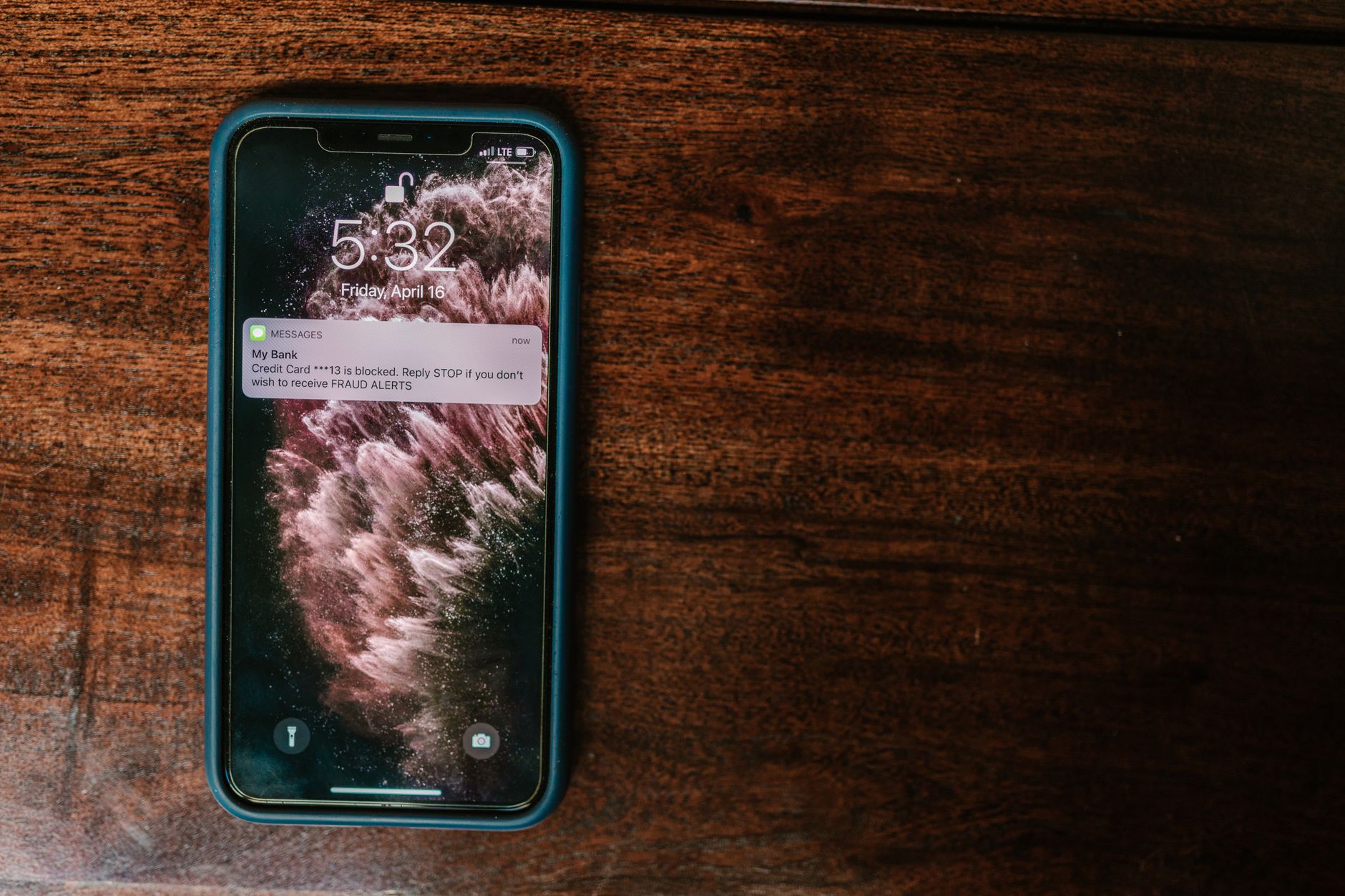
When the bank issues an alert at the moment a purchase or withdrawal occurs, you have a valuable opportunity to record expenses immediately. The idea is simple: the closer the recording is to the transaction, the less likely you are to forget details or make errors in classification.
Why instant alerts make the difference
Most of us receive text message alerts or notifications within the bank’s app. These messages contain basic information: the amount, the recipient, and the transaction date. If you do not record this data immediately, you may forget additional details such as the category or purpose of the purchase, making later classification difficult.
Moreover, relying on alerts reduces the need to review a full bank statement each week. Instead, you build a daily database that updates automatically, giving you a clear picture of cash flow at any moment.
Step one: Gather alerts in one place
There are several ways to collect alerts without wasting your time:
- Use a dedicated email address for banking transactions; most banks allow sending alerts to a separate email.
- If you prefer text messages, consider forwarding them to email via services such as SMS to Email offered by service providers.
- Some banking apps allow enabling Webhooks or Zapier to export data directly to Google Sheets or Excel.
Choose the method that suits you; the important thing is that all your alerts are concentrated in one inbox or spreadsheet for easy processing.
Step two: Set up a quick recording template
Create a simple table (Google Sheet or Microsoft Excel) with the following columns:
- Transaction date
- Amount
- Recipient (shop/website)
- Category (food, transport, leisure…)
- Note (optional)
Ensure the first column is formatted as date and the second as currency to facilitate later analysis.
Step three: Link alerts to the document
If you chose email, you can create a rule in Gmail to label bank messages under a specific label, then use Google Apps Script to extract the data and add it to the next row in the table.
The most common scenario is:
- Access the alert message.
- Run a simple script that reads the text, extracts the amount and recipient using regular expressions (RegEx).
- Adds the row to the table in the next line.
The result: each alert adds a new row automatically, with no manual intervention.
Step four: Classify categories in real time
One obstacle is assigning the correct category to a transaction immediately. To make this easier:
- Create a list of common terms for each category (for example: “plumbing” → maintenance, “McDonald’s” → food).
- Make the script search for a keyword in the text and assign the category automatically.
- If nothing matches, assign the category “Other” and adjust it later.
Over time, the script becomes more accurate as you add more rules.
Step five: Monitor daily indicators
Once your table grows, you can add simple charts in Google Sheets showing daily total spending or category distribution. These charts replace the need to review a monthly bank statement and give you instant control over your budget.
For example: if you notice that spending on “coffee” exceeds the daily limit before 10 am, you can adjust your behaviour immediately or transfer part of the amount to the “savings” category.
Tips to reduce effort and improve accuracy
- Enable alerts only for genuine transactions; some banks send alerts for test operations or “failed payment attempts”, so discard what is unnecessary.
- Use a separate bank account for daily spending; if you have a “credit card” account and a “savings” account, you can limit alerts to one only to track actual spending.
- Quick weekly review; set aside 15 minutes each week to review rows left as “Other” and correct them.
Result: Accurate accounting without delay
By applying these steps, you will obtain an accounting record that updates at the moment each transaction occurs. The benefit is not only in tracking expenses, but in the ability to make immediate decisions, such as cancelling an unwanted subscription or adjusting the food budget.
What you really need is a simple signal from the bank; the rest comes from a simple setup that supports you throughout the month.


