How to Turn Your Bank Account into a Payment Hub Using Electronic Payment Links
Practical steps to use your bank account to create electronic payment links for receiving customer payments securely and without hidden fees.

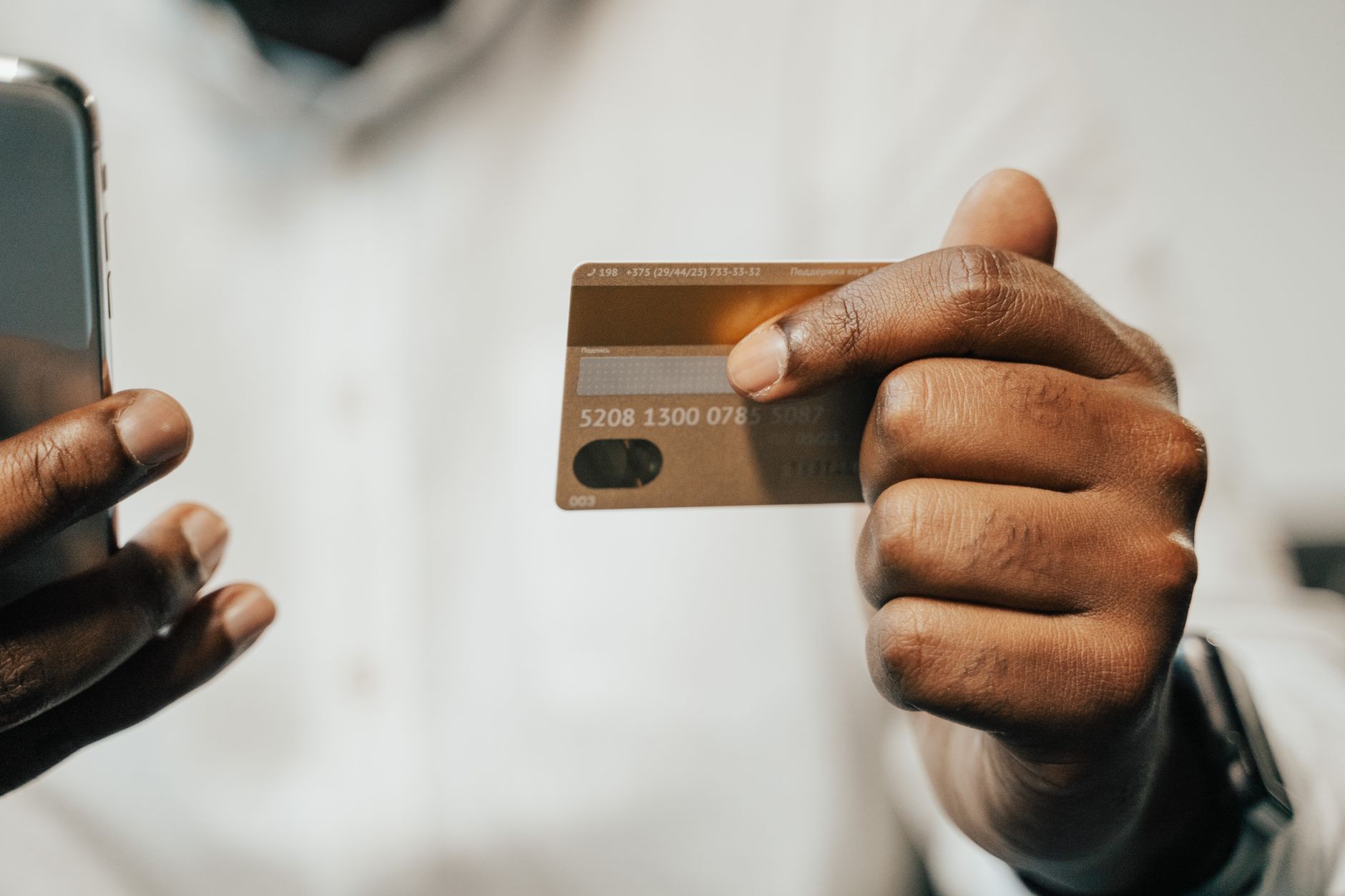
Many freelancers and small business owners face a recurring question: how can I receive customer payments directly into my bank account without needing intermediaries or monopolistic platforms? The answer lies in the “payment links” feature offered by some digital and local banks. The idea is simple: generate an electronic link to send to the customer; when clicked, it directs them to a payment form dedicated to you, and the funds are withdrawn directly into your account.
Why Bank Payment Links Are a Smart Choice
First, there are no additional transfer fees, unlike some global services that charge a commission on each transaction. Second, the money remains within the local banking system, reducing the risk of fraud or account blocking. Third, you can monitor all transfers through your regular bank statement, without needing external apps.
Step-by-Step Guide to Creating a Bank Payment Link
1. Choosing the Right Bank – Not every bank offers this service. Look for banks that provide an API or an integrated electronic payment gateway. Examples include “Digital Finance Bank” or “Middle East Bank”, which have launched dedicated payment platforms for small businesses.
2. Activating the Service – Usually, you need to request activation via bank branches or through the digital app. You may be asked to provide identification documents, a trade licence, and proof of address.
3. Creating the Link – Inside the bank’s control panel, you will see an option labelled “Create Payment Link”. Enter the required amount, invoice name, and expiry date (usually 30 days). Some banks allow you to add a notes field to specify project details.
4. Sharing the Link with the Customer – You can send it via email, WhatsApp messages, or even embed it in an electronic invoice. The link shows the customer the price, payment method (credit card or bank account), and security information.
5. Tracking the Transfer – Once the customer completes the process, you will receive a notification in the bank app or by email. The transaction will appear in your bank statement as “Payment via Link”, making it easy to track.
Tips to Reduce Fees and Improve Security
- Choose a bank that does not charge per-transaction fees; some banks offer a set number of free transfers each month.
- Enable two-factor authentication (2FA) on your bank account to reduce the risk of hacking.
- Use links with a short expiry date to avoid unwanted transfers after a long period.
- Monitor daily notifications to spot any unfamiliar transaction immediately.
Remember that links are a temporary tool. If you have ongoing work with a particular client, it is better to set up a joint account or request a direct transfer via IBAN to reduce the number of repeated links.
Comparison of Some Banks Supporting Payment Links
The following simple table outlines the basic differences between three local banks offering the service:
- Digital Finance Bank – Fee of 0.5% per transaction, maximum of 5,000 SAR per amount, instant support via mobile app.
- Middle East Bank – Fixed fee of 2 SAR per transaction, no maximum amount, option to link payment links with electronic invoicing systems.
- Al Ahli Commercial Bank – No fees for links within Saudi Arabia, but requires additional documentation for international transactions.
Choosing a bank depends on your transaction volume and client type. If most of your clients are in Saudi Arabia, Al Ahli offers the best cost. If you deal with international clients, you may need a bank that supports multi-currency transfers.
How to Handle International Clients
Bank payment links may not be accepted in every country due to currency restrictions. Here, a “multi-currency account” within the bank comes into play. Once you create a multi-currency account, you can generate a payment link in the client’s currency, and the bank converts the amount to your base currency at a favourable exchange rate.
Additionally, ensure the bank offers instant payment services (Instant Payments) to reduce the time between payment completion and fund receipt.
A Real-World Experience
Sara, an independent graphic designer, began using payment links from Digital Finance Bank to receive payments from her clients in the Gulf. Previously, she relied on international transfers via Western Union, which cost her 15 SAR per transaction. After adopting the links, the cost dropped to 2 SAR, and she could track all payments in the bank app, making it easier to prepare weekly income reports.
The point Sara added was customising the “notes” field within the link to specify the project name and invoice number, which made it easier for her clients to track payments and avoid errors.
Common Mistakes and How to Avoid Them
• Creating links with incorrect amounts – always verify the invoice value before sending.
• Relying on one link for too long – cancel expired links and recreate them when needed.
• Forgetting to review monthly fees – some banks issue invoices for links after a certain number of uses; monitor these invoices to avoid financial surprises.
In Conclusion
Bank payment links enable freelancers and small business owners to simplify the process of receiving funds and reduce reliance on external intermediaries. By following the steps outlined and choosing the right bank, you can turn your account into a secure, fast, and direct payment hub.


