How to Turn Your Credit Card into a Smart Spending Analysis Tool and Manage Your Budget Effectively
Discover how to turn your credit card into a smart spending analysis tool using free apps and simple settings to boost your financial efficiency.

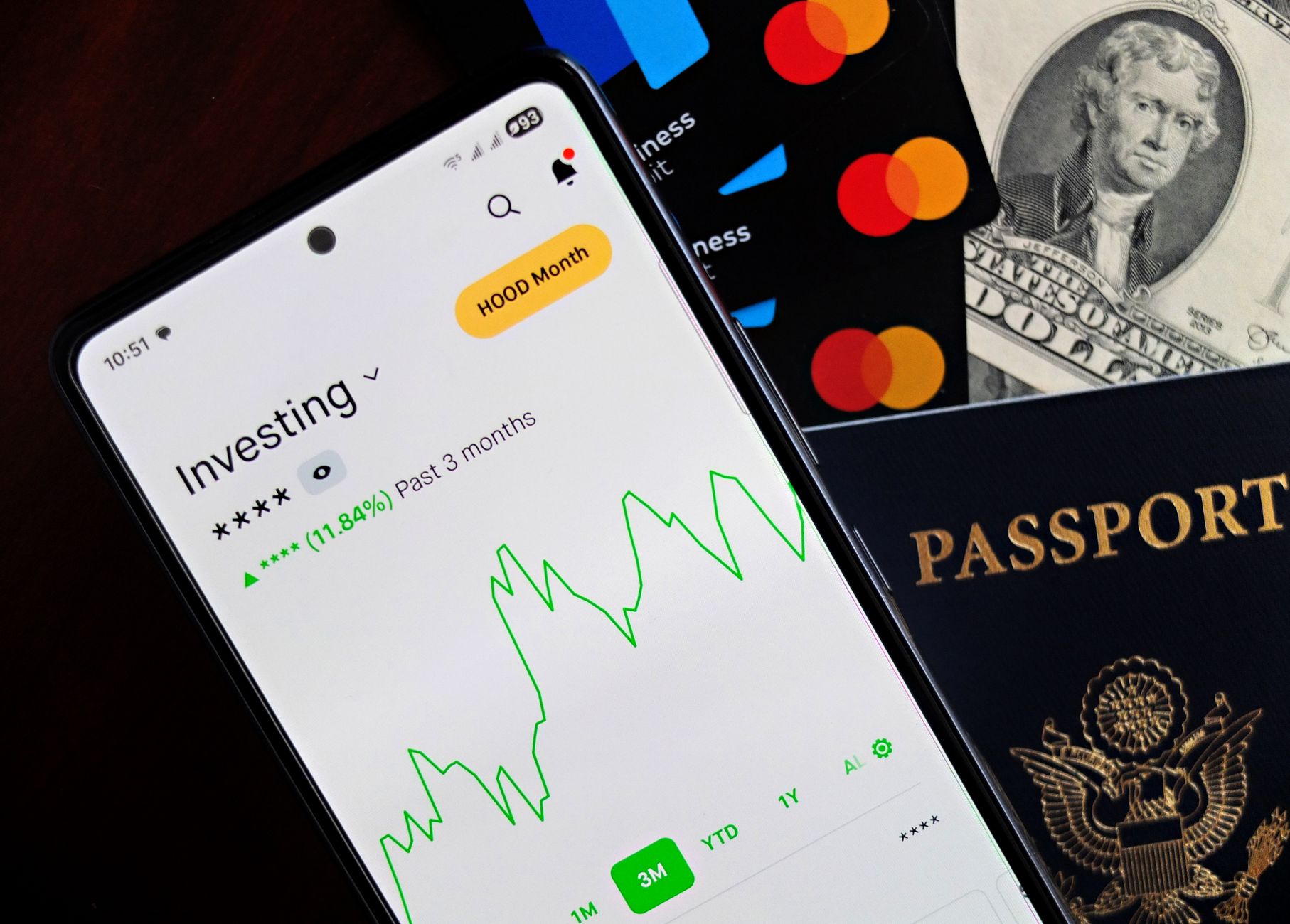
With increasing reliance on credit cards in every detail of our daily lives, these tools have become more than just a means of payment. If used correctly, they can turn into a precise spending counter and a clear budget indicator. The idea is not to collect every transaction in a manual Excel file, but to benefit from the reports and alerts offered by banks and financial analysis apps.
First Step: Activate Daily Transaction Reports
Most banks offer a “real-time alerts” service via text message or email. Once you activate this service, you will receive a notification whenever your credit card is used in a store or online. The alert is not limited to the amount only; it often includes the merchant name and transaction date. This data forms the cornerstone of the analysis process.
Second: Link the Card to a Spending Analysis App
There are several free or low-cost subscription apps that allow linking credit card accounts directly via secure APIs. Popular examples include Mint, YNAB (You Need A Budget) and PocketGuard. The process is simple: the user enters their bank login details (often secured with a one-time key) and then the app enables periodic pulling of transaction data.
After linking, the app starts classifying transactions by category (groceries, transport, entertainment, etc.). If a transaction is not automatically classified, you can manually adjust the category to teach the algorithm what type of spending it is. Over time, the app becomes capable of classifying a larger proportion of transactions with high accuracy.
Third: Set Smart Spending Limits for Each Category
Instead of setting a general monthly budget, try dividing it into limits for each category. For example, you might set £300 for food, £150 for entertainment, and £100 for transport. Most apps allow you to enter these limits and send alerts when you approach the set limit.
The early alert gives you a chance to adjust your spending before exceeding the limit, thus avoiding unexpected interest or debt. If you notice that spending in a particular category consistently exceeds the limit, you may need to reassess your priorities or look for cheaper alternatives.
Fourth: Leverage Cashback Rewards to Improve Analysis
When choosing a credit card, cashback features are often offered at different rates depending on the category. If you spend more on groceries, you might choose a card that gives 5% cashback on supermarket purchases. Once this feature is activated, the app will show you the accumulated cashback as a separate line in reports.
Transferring cashback to a savings or investment account gives you a clear view of the card’s true return and helps you compare different cards not only by interest rate but also by the actual value they add to your budget.
Fifth: Analyse Monthly and Annual Trends
Through app reports, you can view charts showing how your spending changes across seasons. Perhaps you notice that entertainment spending rises in summer, or that utility bills increase in winter. This data enables you to adjust spending limits in advance and allocate part of the cashback to cover high-spending periods.
Moreover, you can compare actual spending with the planned budget to determine the percentage of compliance. If compliance is above 90%, you are on the right track; if it drops below 70%, you may need to review your goals or adjust spending limits to be more realistic.
Sixth: Avoid Surprise Interest by Managing the Grace Period
One of the key features of credit cards is the grace period that allows you to pay the outstanding amount before the due date without any interest. If you link your card to a spending analysis app, the due date will be clearly displayed, and you can set a reminder two days before the deadline.
This way, you do not need to remember multiple dates in your head; the app does the work, and you remain only responsible for paying the amount on time to fully benefit from cashback and avoid interest.
Seventh: Turn Spending into Positive Financial Habits
Analysis is not just about numbers; it is a tool for changing behaviour. When you see that your daily coffee spending consumes £150 a month, you might decide to replace part of it with homemade coffee. Or when the report shows that unused digital subscriptions cause a loss of £80, you can cancel those subscriptions and redirect the money towards savings or investment.
The small habits uncovered through analysis translate into tangible savings over the long term and strengthen your ability to build a strong credit record without falling into the interest trap.
Conclusion
A credit card is not just a means of withdrawing cash; it is a gateway to tracked and thoughtful spending. By activating daily alerts, linking the card to a spending analysis app, setting smart limits, and benefiting from cashback rewards, you can turn every transaction into clear data that helps you improve your budget. The result is not only avoiding interest, but achieving financial stability that supports your future goals.